
Module 2 of 6
Measuring compute and memory
Before you train or run a model, two questions decide which GPU you need: how much compute does it take, and how much memory does it need?
Why bigger AI keeps getting better
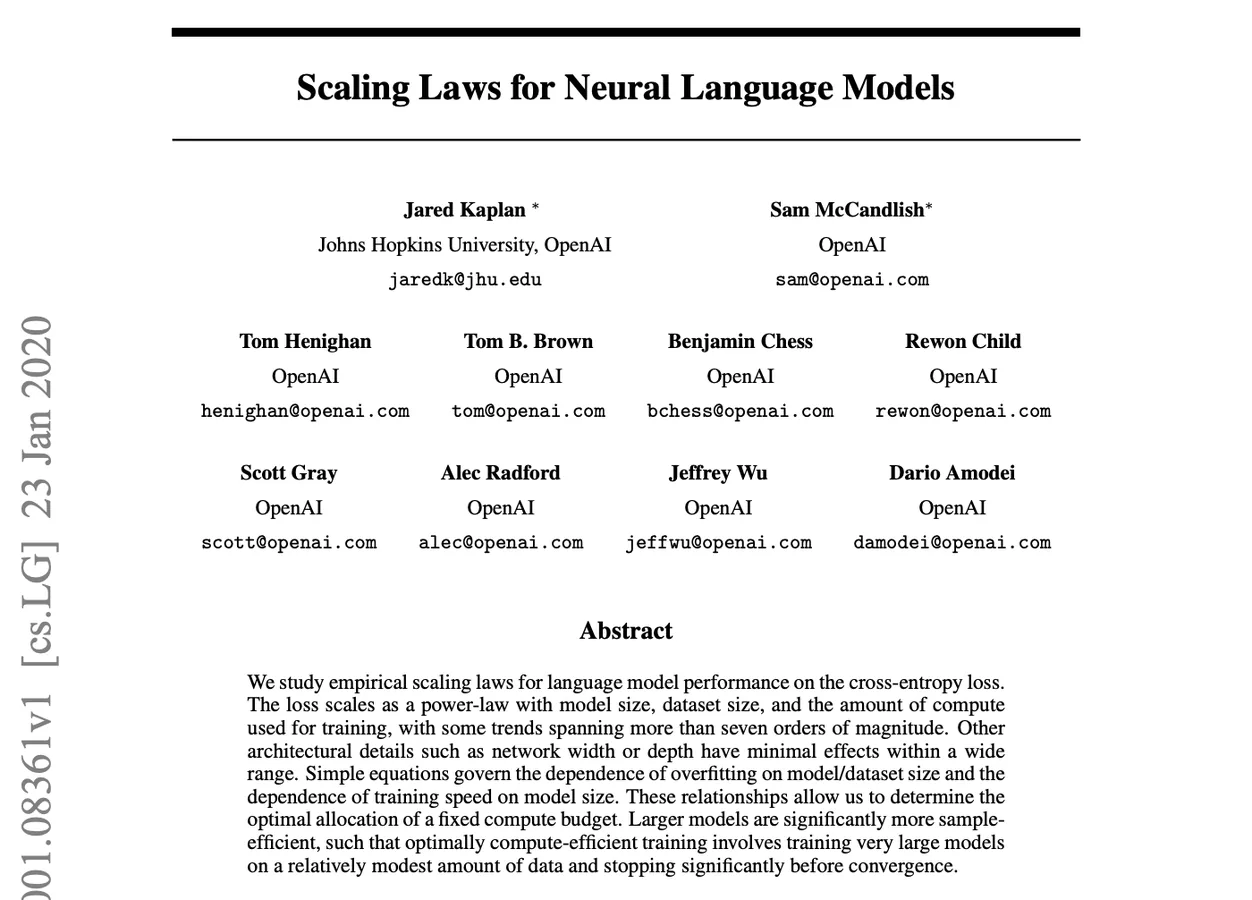
Kaplan et al. (2020) found that as we scale model size, data and compute, a language model's loss falls in a smooth, predictable way, across more than seven orders of magnitude.
That predictability is why labs keep building bigger models. It also means every step up needs more GPUs, more memory and more money.
Why measure compute and memory?
Before you train or run a model, you need answers to two questions. They decide which GPU you rent, how many you need, how long you wait and how much you pay.
How much compute does my model need?
Tells you how long training takes and what it costs. Get it wrong and a "one-week" run takes three months.
How much memory does my model need?
Tells you whether the model fits on the GPU at all. Get it wrong and you hit CUDA out of memory before training even starts.
Measuring Compute
Compute is the actual mathematical work a model does. We measure it by counting operations.
FLOPs and FLOPS
A FLOP is one floating-point operation, like one multiply or one add. Multiplying an m × k matrix by a k × n matrix takes about 2 × m × k × n FLOPs (one multiply and one add for each term).
FLOPs (lowercase s)
A count: how much work a job needs.
FLOPS (capital S)
A speed: how much work a GPU does per second.
Estimating training compute
For a standard transformer, training compute has a famous shortcut:
Measuring Memory
Memory decides whether a model can run on a GPU at all. If everything it needs doesn't fit in VRAM, the job crashes with CUDA out of memory, however fast the GPU is. So before choosing a GPU, we add up what has to be stored.
How numbers are stored
Every number in a model is stored with a fixed number of bits. More bits means more precision, and more memory.
| Format | Bytes per number | Used for |
|---|---|---|
| float32 | 4 | Classic training, optimizer states |
| bfloat16 | 2 | Modern training and inference: same range as float32, less precision |
| int8 | 1 | Quantized inference |
| int4 | 0.5 | Aggressive quantized inference |
A 7B model in bfloat16 needs 7 × 10⁹ × 2 bytes = 14 GB just for its weights. But weights are only part of the story.
What fills GPU memory during training
To learn, the model must remember how it got its answer and how to improve it, so training stores four things:
Weights (parameters)
The model itself: every number it has learned so far.
Gradients
One per parameter: how each weight should change to reduce the loss.
Optimizer states
Adam keeps two per parameter: momentum (a running average of gradients) and variance (a running average of squared gradients).
Activations
The outputs of every layer, saved during the forward pass so the backward pass can compute gradients.
What fills GPU memory during inference
When we only run the model, nothing is learned, so gradients and optimizer states disappear. Three things remain:
Weights
Still the whole model, usually the biggest item.
Temporary activations
Only the current layer's outputs, thrown away as soon as the next layer has used them.
KV cache
Keys and values of earlier tokens, kept so they aren't recomputed for every new token (Module 6).
The role of batch size
The batch size is how many examples (or users) the GPU processes at once. It splits memory into two kinds:
Fixed by the model
Weights, gradients and optimizer states depend only on the number of parameters. Changing the batch size doesn't change them.
Grows with the batch
Activations in training, and the KV cache in inference, are stored for every example. Double the batch size and they double. Longer sequences grow them too.
That's why the classic fix for an out-of-memory error is to lower the batch size: it shrinks the part that grows, without touching the model.

Training needs about 4× the weights plus activations, while inference needs little more than the weights. That's why a model you can run on a laptop can still be impossible to train there.